About Us
SaveFB is a premier online platform dedicated to providing the fastest and most reliable solution for downloading Facebook media. Our mission is to empower users to easily archive their favorite public videos to personal storage with unmatched speed and convenience.
Built as a high-performance web application, SaveFB.to supports seamless video downloads on both mobile and desktop devices. Users can enjoy the convenience of instant downloads directly through their browser, eliminating the need for complex software installations or risky extensions.
We apply the latest technologies to deliver premium features, including high-quality video rendering, full Facebook Reel support, and MP3 conversion. Furthermore, SaveFB stands out with secure protocols that allow users to access and save private content safely.
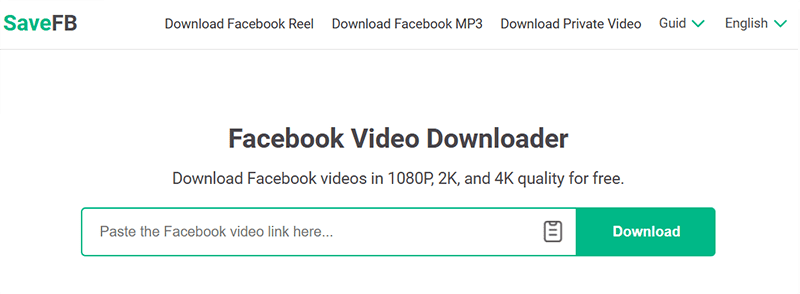
SaveFB - The best Facebook video downloader
Online Facebook video download tool (No software installation)
The standout advantage of SaveFB lies in its compatibility across all platforms, including Windows, MacOS, iOS, and Android. Simply visit SaveFB.to, paste your link into the search box, and the tool will automatically handle the rest.
Key features of SaveFB
- Highest Quality: Download Facebook videos in Full HD, 2K, or 4K with original, high-fidelity sound.
- Private Video Support: Easily save videos from private groups or restricted profiles in just a few clicks.
- No Watermarks: Download clean Facebook Reels and videos without any logos or distracting watermarks.
- Fast MP3 Conversion: Extract high-quality audio from any Facebook clip and save it as an MP3 instantly.
- Free & Unlimited: Enjoy our full service without paying a dime. No limits, no subs, and no hidden costs.
Easy steps to download Facebook videos using SaveFB
Step 1: Find the Facebook video you want to download and copy its link (URL).
Step 2: Visit the website https://savefb.to/en and paste the video link you just copied into the input box.
Step 3: Click the Download button and wait a few seconds for our server to process the video data.
Step 4: Select your preferred quality or format (MP4, MP3) and click the Download or Render button to save the file to your device.
If you encounter any problems while using SaveFB, please contact us immediately for assistance: contact@savefb.to